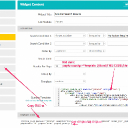
Twitter - Url Card
Using Jamroom
serveion:
Refused to display 'https://wowmusic.fm/tracks/embed/1328/i-love-you?autoplay=1&auto_play=true' in a frame because it set 'X-Frame-Options' to 'sameorigin'.Try this:
Forum: "Header X-Frame-Options"
https://www.jamroom.net/the-jamroom-network/forum/new_posts/54031/header-x-frame-options/search_string=sameorigin