JAMROOM

Adding a New Page to a Skin
Applies to: Jamroom 7.0+
Last verified: 2026-10-24
-
A template is a page
Any
.tplfile in the active skin's folder is a page at its own address. A skin template namedgreendog.tplshows atyoursite.com/greendog.For a page without code, use Site Builder instead. See Creating a New Page.
-
In the ACP
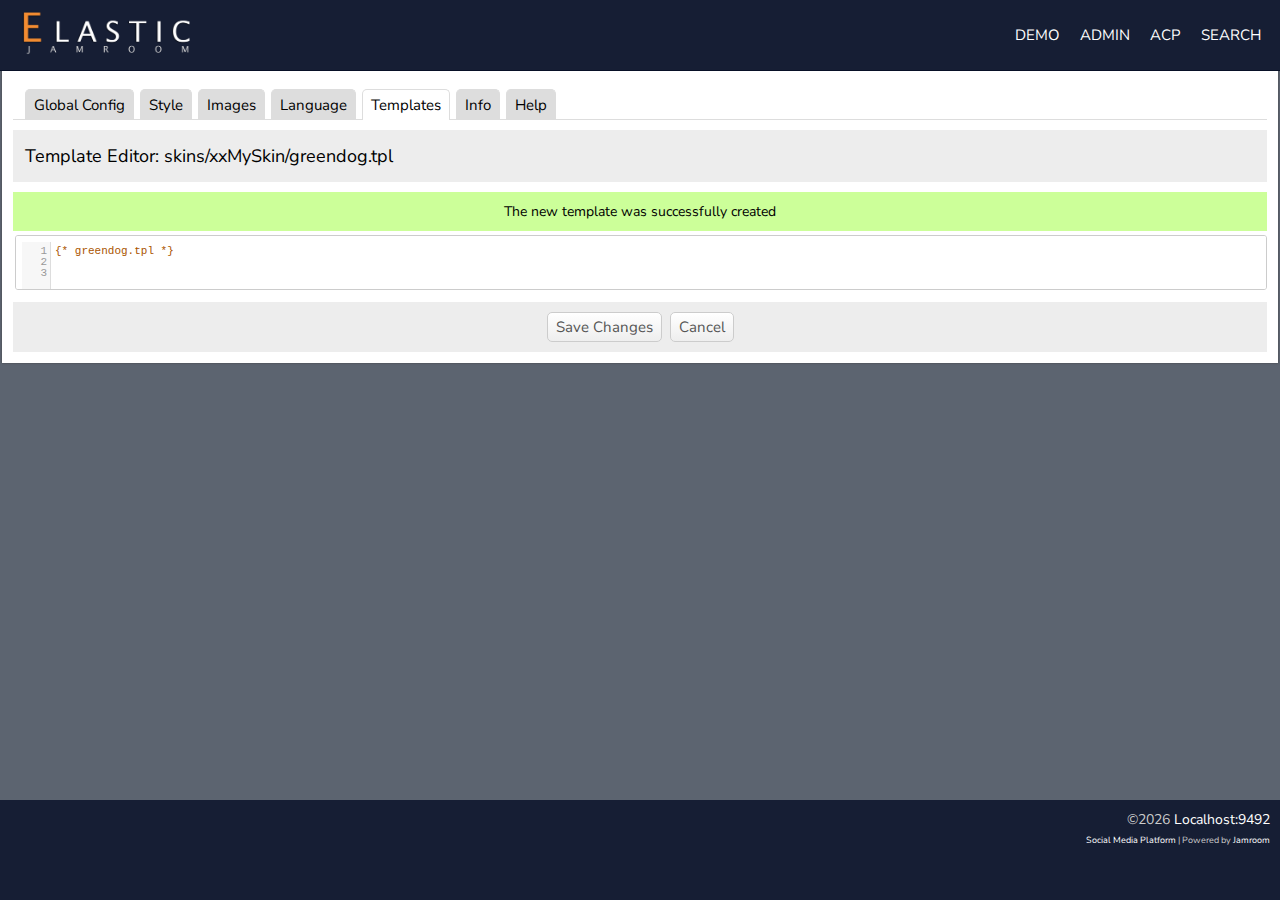
In a cloned skin, the Templates tab has Create A New Template In This Skin:
- Enter the file name, such as
greendog.tpl, and click Create. - The new template opens in the editor. Add your content, and click Save Changes.
- Back on the Templates tab, check Active for the template, and save.
- Enter the file name, such as
-
-
To give the page the site's header and footer, include them:
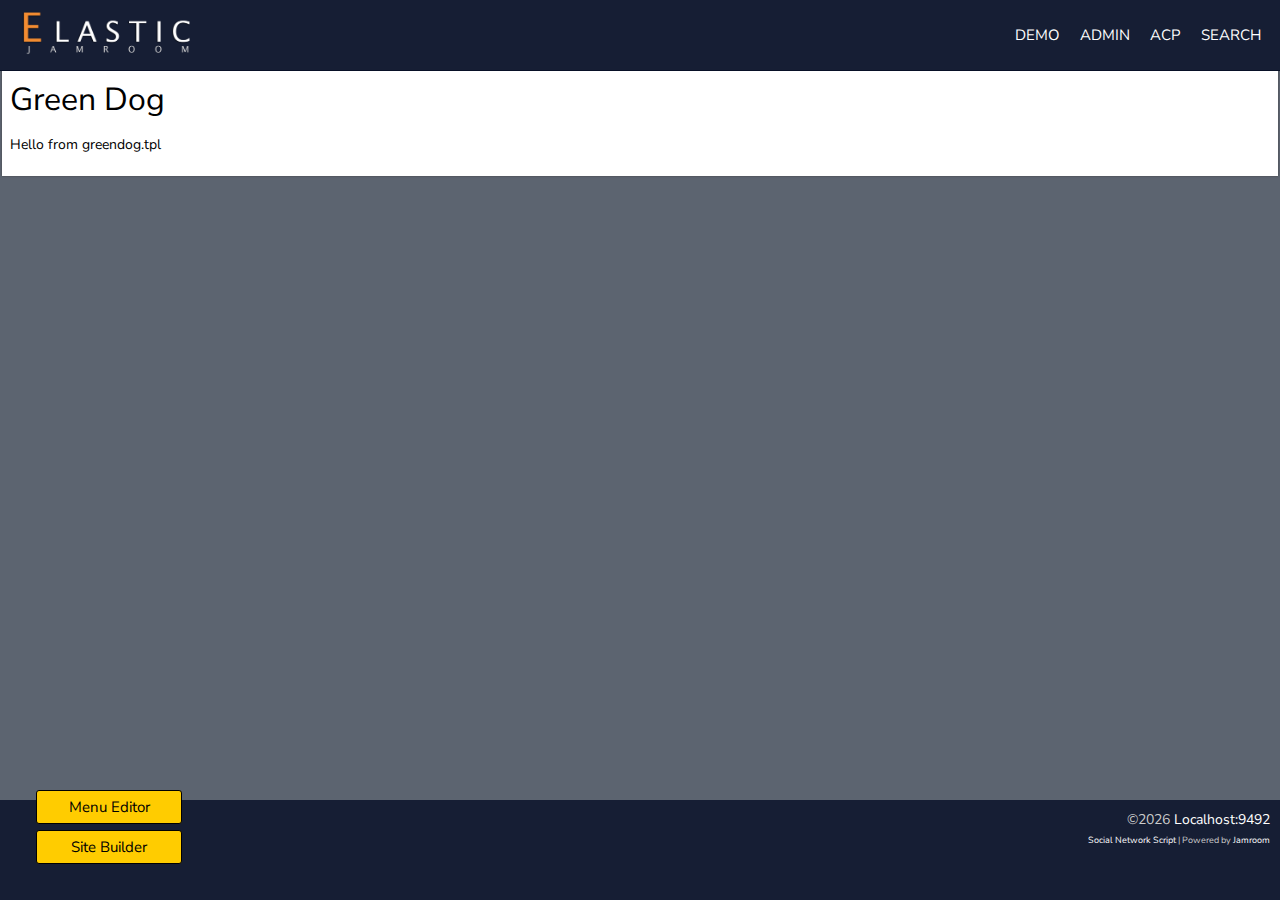
{jrCore_include template="header.tpl"} <div class="container"> <h1>Green Dog</h1> <p>Hello from greendog.tpl</p> </div> {jrCore_include template="footer.tpl"} -
The page is now at
yoursite.com/greendog. -
-
With files
Create the
.tplfile in the skin's folder on your server, for example by copyingindex.tpl. It's a page straight away.To change how lists and module pages look instead, see Changing How a List Looks.