JAMROOM

Editor Image Upload
Applies to: Jamroom 7.0+
Last verified: 2026-10-24
-
What it does
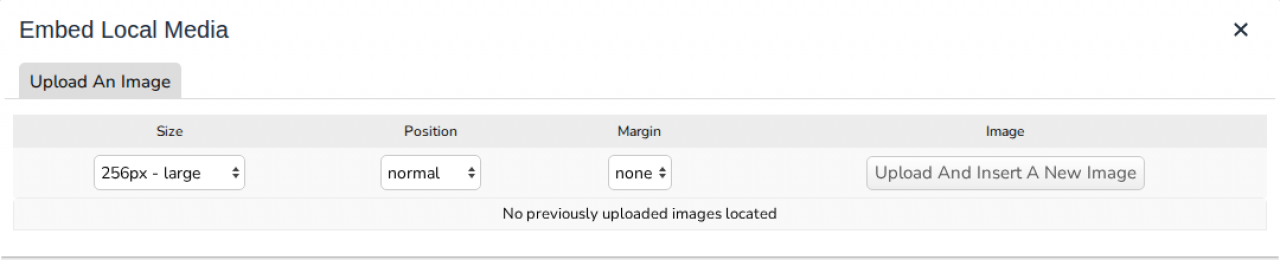
Editor Image Upload adds an Upload An Image tab to the Editor Embedded Media window. Members can upload an image from their computer and put it straight into what they're writing, without making a gallery first. It comes with Jamroom.
ACP > Modules > Forms > Editor Image Upload
-
Using it
In the editor, click Embed Local Media and open the Upload An Image tab. Choose the image's:
- Size
- Position: normal, float left or float right
- Margin
Then click Upload And Insert A New Image. The image goes in where the cursor was. Earlier uploads are listed on the same tab, to insert again or delete.
-
-
Site Builder widget
The Uploaded Images widget shows uploaded images on a Site Builder page. One image shows on its own, several show as a slider. See Widgets.
-
Quota Config
Setting What it does Allowed on Profile Members of this quota can upload images in the editor (default: off)