JAMROOM

Choose the Media Player
Applies to: Jamroom 7.0+
Last verified: 2026-10-24
-
The player is a skin setting
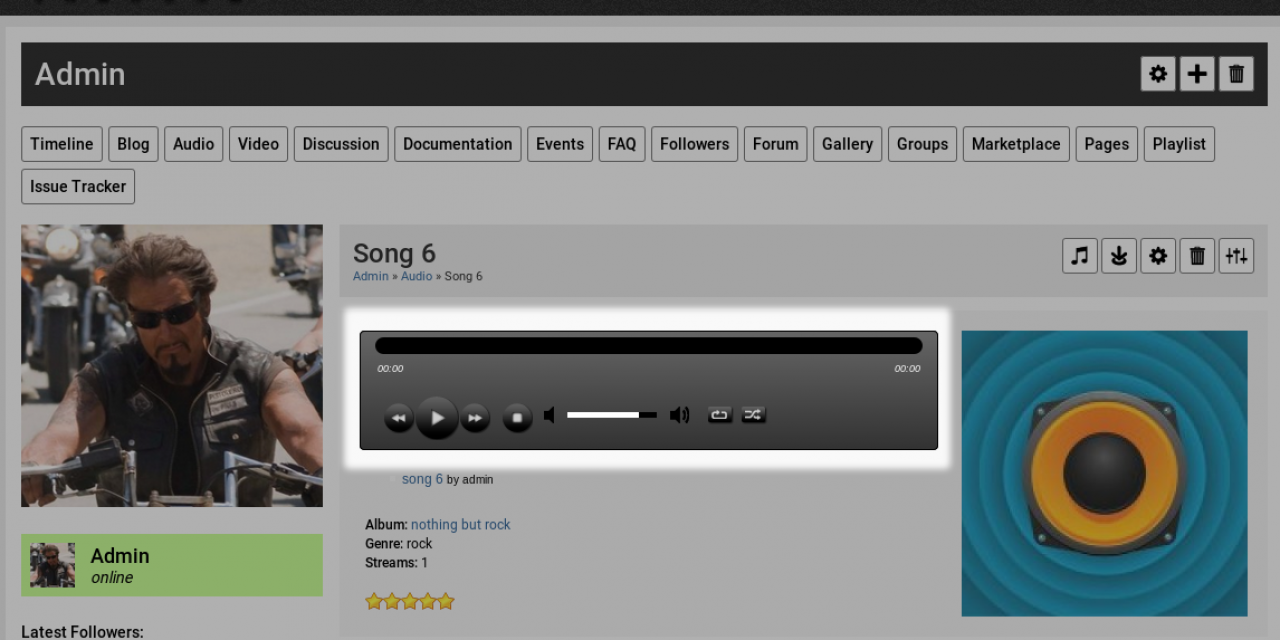
The look of the audio and video players is set by your skin. Skins that offer a choice have a Player Type setting in ACP > Skins > (your skin) > Global Config, in the Players section.
The Elastic 2 skin offers:
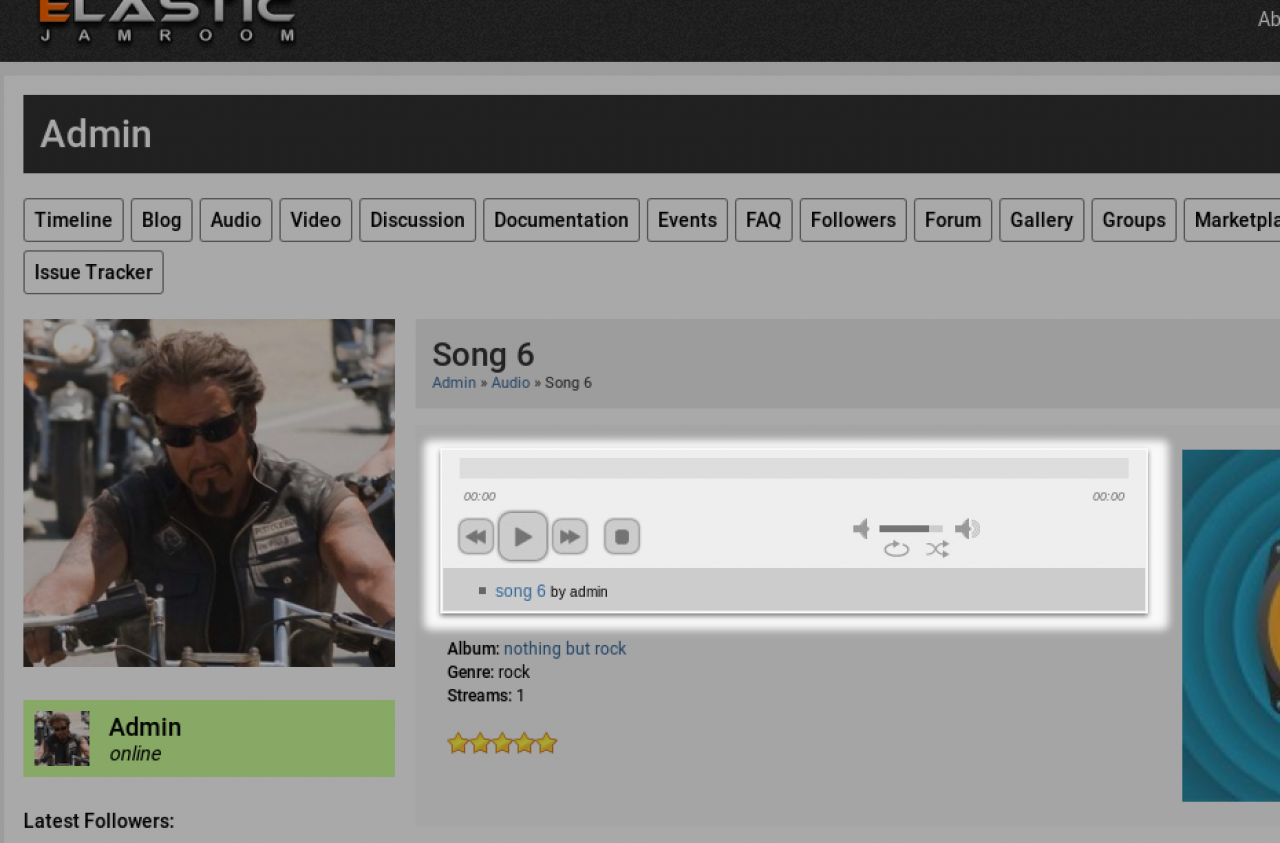
- Blue Monday Player (the default)
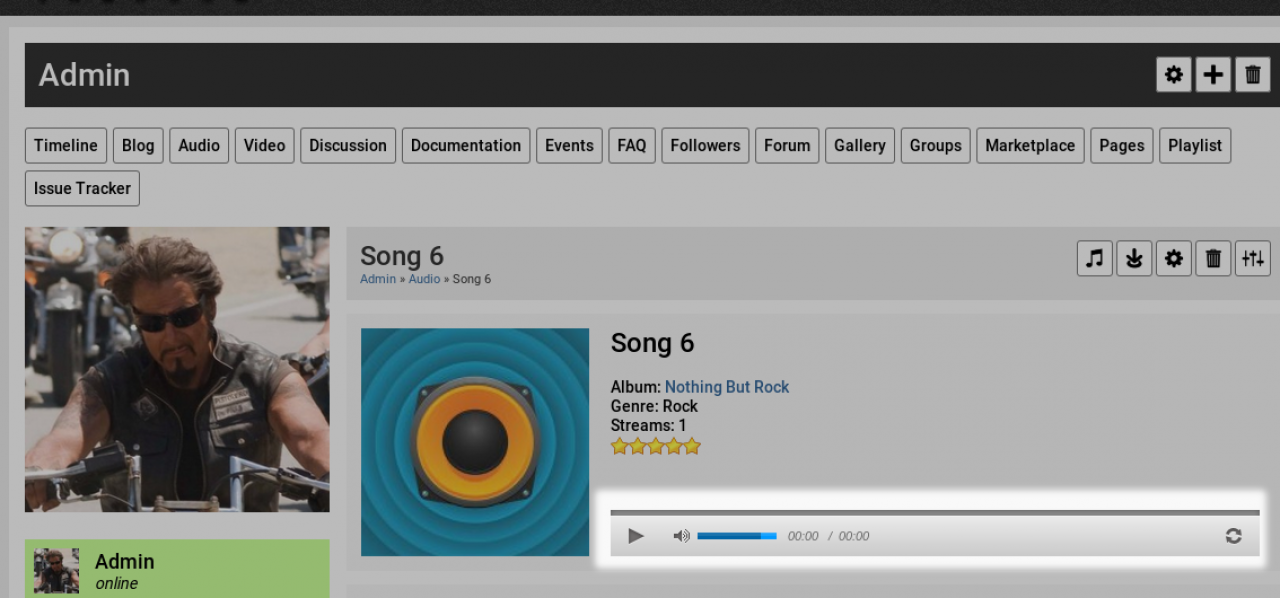
- Gray Overlay Player
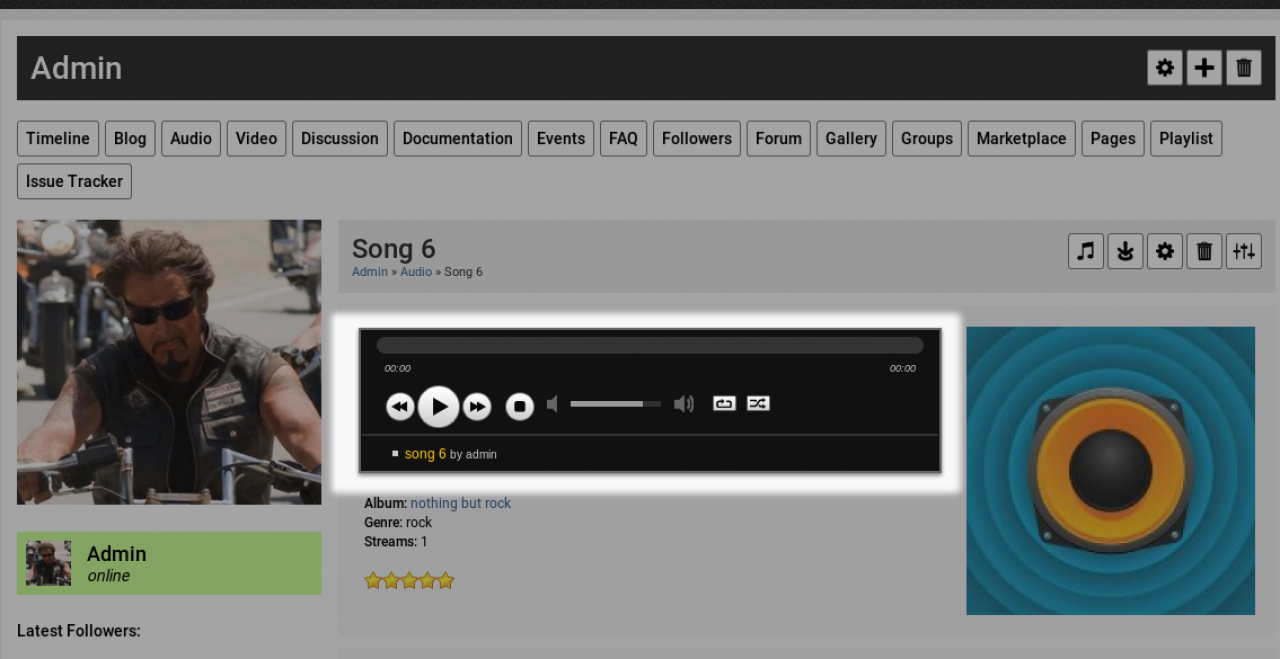
- Midnight Player
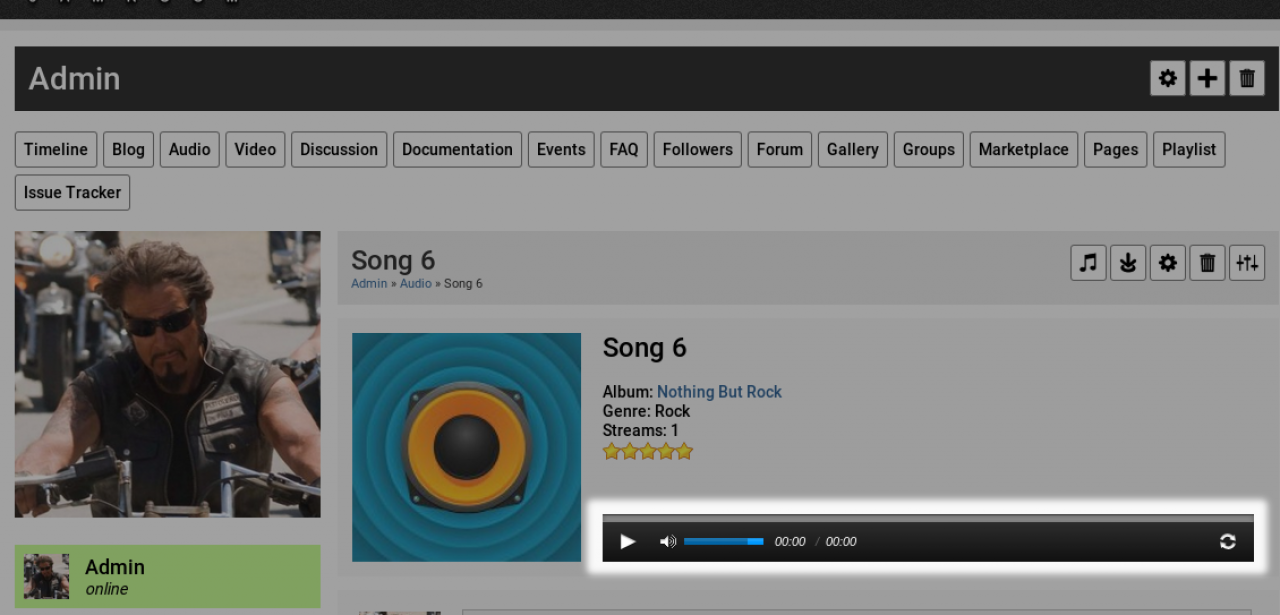
- Black Overlay Player
- Solo Artist Player
Its Players section also has Auto Play, which starts the profile players (Audio, Playlist and Video) automatically.
Choose a player, save, and open a profile with audio or video to see it.
-
Players
Blue Monday:
-
Gray Overlay:
-
Midnight:
-
Black Overlay:
-
Solo Artist:
-
-
Template designers can show a specific player with the
{jrCore_media_player}template function. See the Template and Function Reference.