JAMROOM

The Performance Check
Applies to: Jamroom 7.0+
Last verified: 2026-10-24
-
What it measures
The Performance Check runs a set of timed tests to show how well Jamroom will run on your server. It's useful to compare hosting providers, or to check a server before you move your site to it.
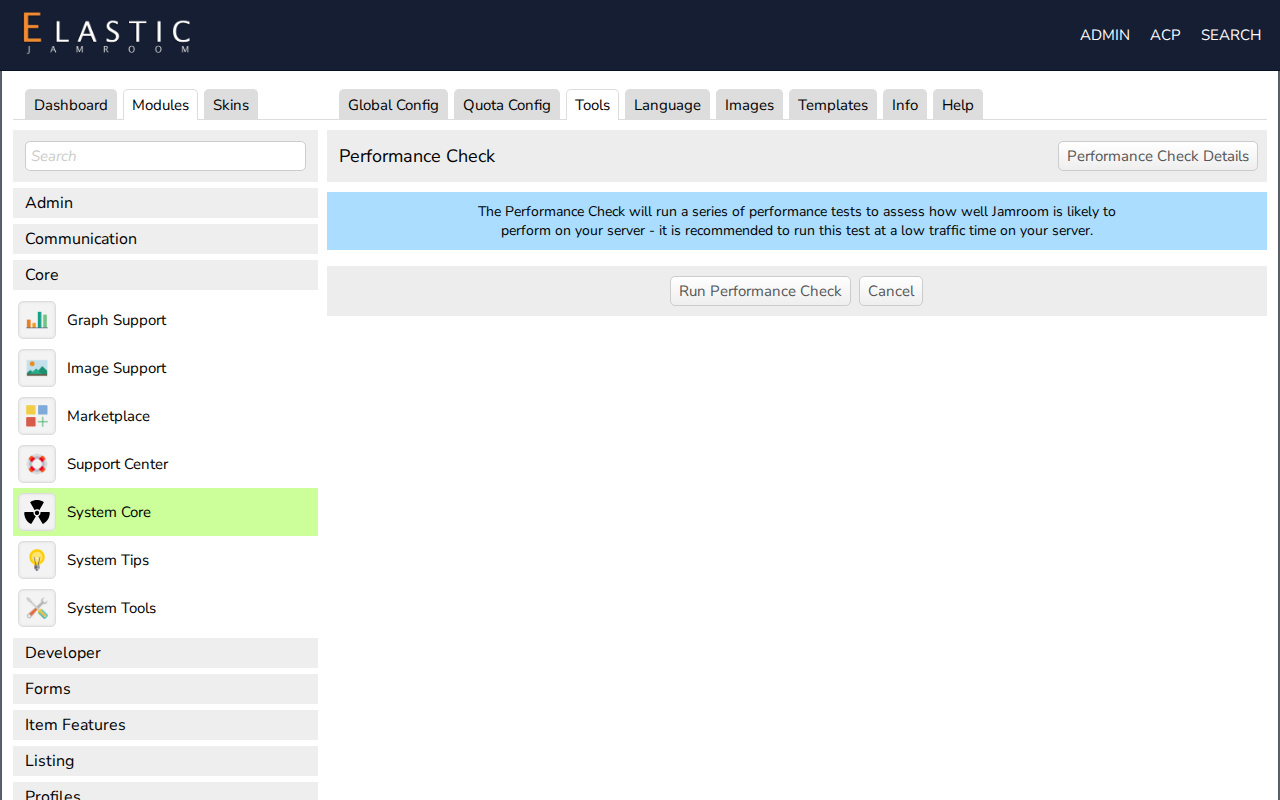
Open it at ACP > Modules > Core > System Core > Tools > Performance Check and click run performance check. Run it at a quiet time: the test loads the server for a short while.
-
-
The tests
Each test is timed in seconds, and lower is better. Each is shown next to a baseline time:
Test What it does Processor Ten million additions in PHP Database Creates, updates and searches 2,000 test items Filesystem Writes and appends to a test file -
The overall score
The times are combined into one Overall Score, and higher is better:
Score What it means under 200 Jamroom will run very slowly on this server 200 to 299 Jamroom is likely to run slowly 300 to 499 Jamroom may run slowly 500 to 749 Jamroom may run a bit slower than optimal 750 and up Jamroom should run excellently The history button lists your earlier results. Where offered, share your results sends your score to jamroom.net.