JAMROOM

Link a User Account to Multiple Profiles
Applies to: Jamroom 7.0+
Last verified: 2026-10-24
-
Why link accounts
A user account can work on more than one profile. Examples are a band, where each member's account is linked to the band's profile, or a manager working on artists' profiles. A linked user can add and change items on the profile as if it were their own.
-
Link a user to a profile
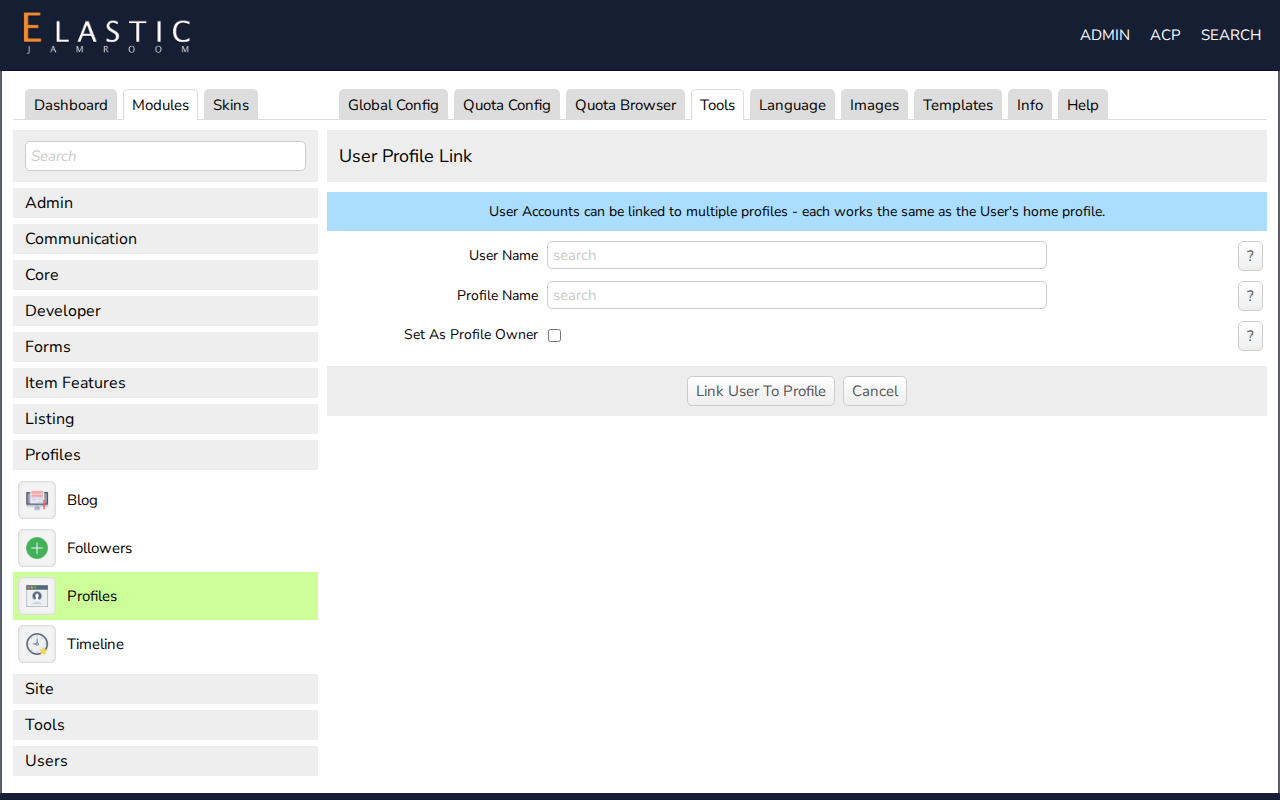
Open ACP > Modules > Profiles > Profiles > Tools > Link User Accounts.
- User Name: start typing and choose the user from the list.
- Profile Name: choose the profile the same way.
- Set As Profile Owner: check this to replace the profile's current user with this one. Leave it unchecked to add the user alongside the existing ones.
- Save.
Repeat for each profile the user should have.
-
-
Unlink a profile
Open the user's Account page as master admin. When the account is linked to more than one profile, a Linked Profiles list shows them. Uncheck a profile and save to take the user's access away.