JAMROOM

Approving New Items and Users
Applies to: Jamroom 7.0+
Last verified: 2026-10-24
-
Item approval
You can require that items members create, such as blog posts or uploads, are approved by an admin before anyone else sees them. It's set per quota and per module, on the module's Quota Config tab, with Item Approval:
Item Approval What happens No Approval Needed The item is visible straight away. Approval on Create A new item needs an admin's approval. Approval on Create and Update The item needs approval when it's created and every time it's changed. So you can, for example, approve every upload from new members (in one quota) but not from trusted members (in another).
-
Approve or reject
Pending items wait in ACP > Dashboard > Pending, with a tab for each module that has pending items. For each item:
- approve makes it visible.
- reject opens a form where you can give a reason, then rejects the item and notifies the member.
- To handle several at once, check them and click approve checked.
Admins are notified when an item is waiting (as set in their notification settings).
-
Approving new members
How new members are activated is set per quota by Signup Method in ACP > Modules > Users > Users > Quota Config:
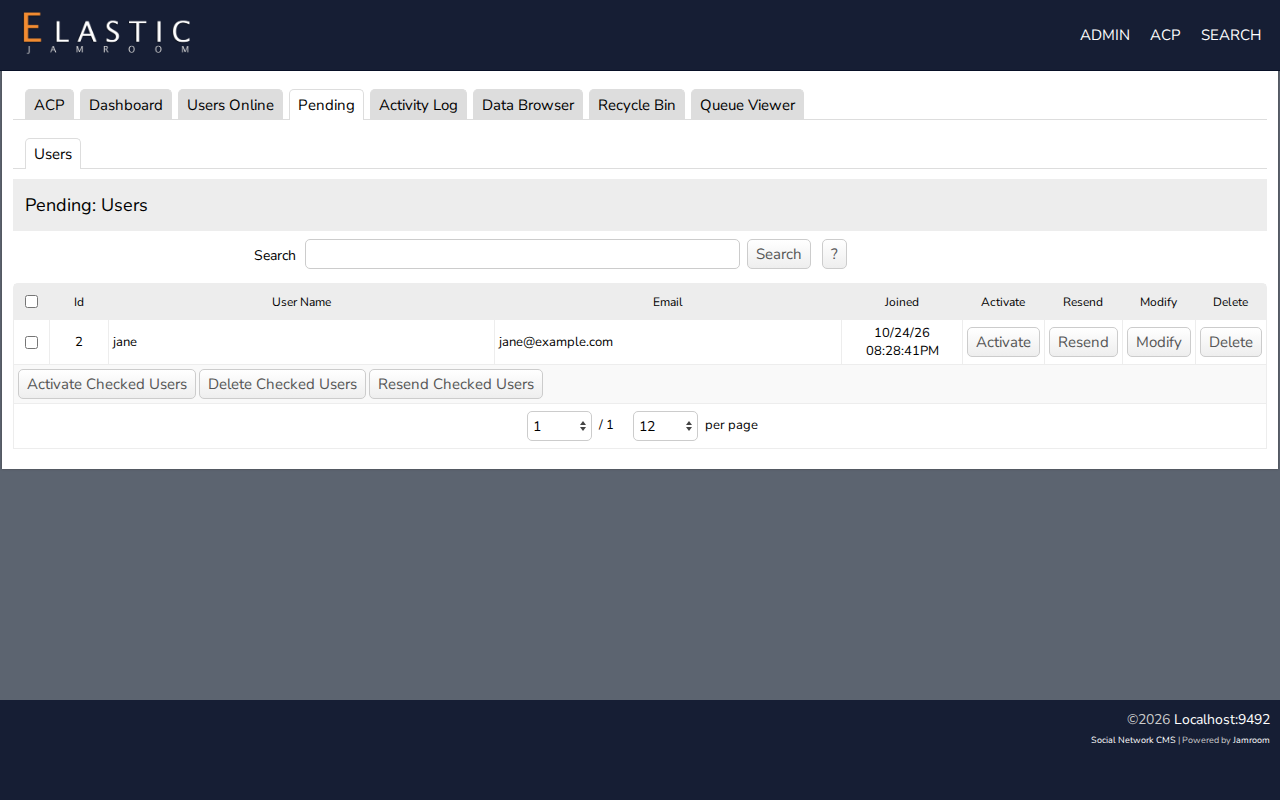
Signup Method What happens Instant Validation The account is active straight away. Email Validation (default) The member clicks a link in an email first. Admin Validation An admin activates the account. Accounts that haven't been activated are listed in ACP > Dashboard > Pending > Users. There you can Activate an account, Resend the activation email, Modify it or Delete it.
-