JAMROOM

Adding and Changing Items
Applies to: Jamroom 7.0+
Last verified: 2026-10-24
-
Adding something
Everything you add to your profile, such as a blog post, a page, a song or a gallery, is an item. To add one:
- Go to the section on your profile, such as Blog.
- Click the + button at the top right. An empty section says "Click the "+" button to get started".
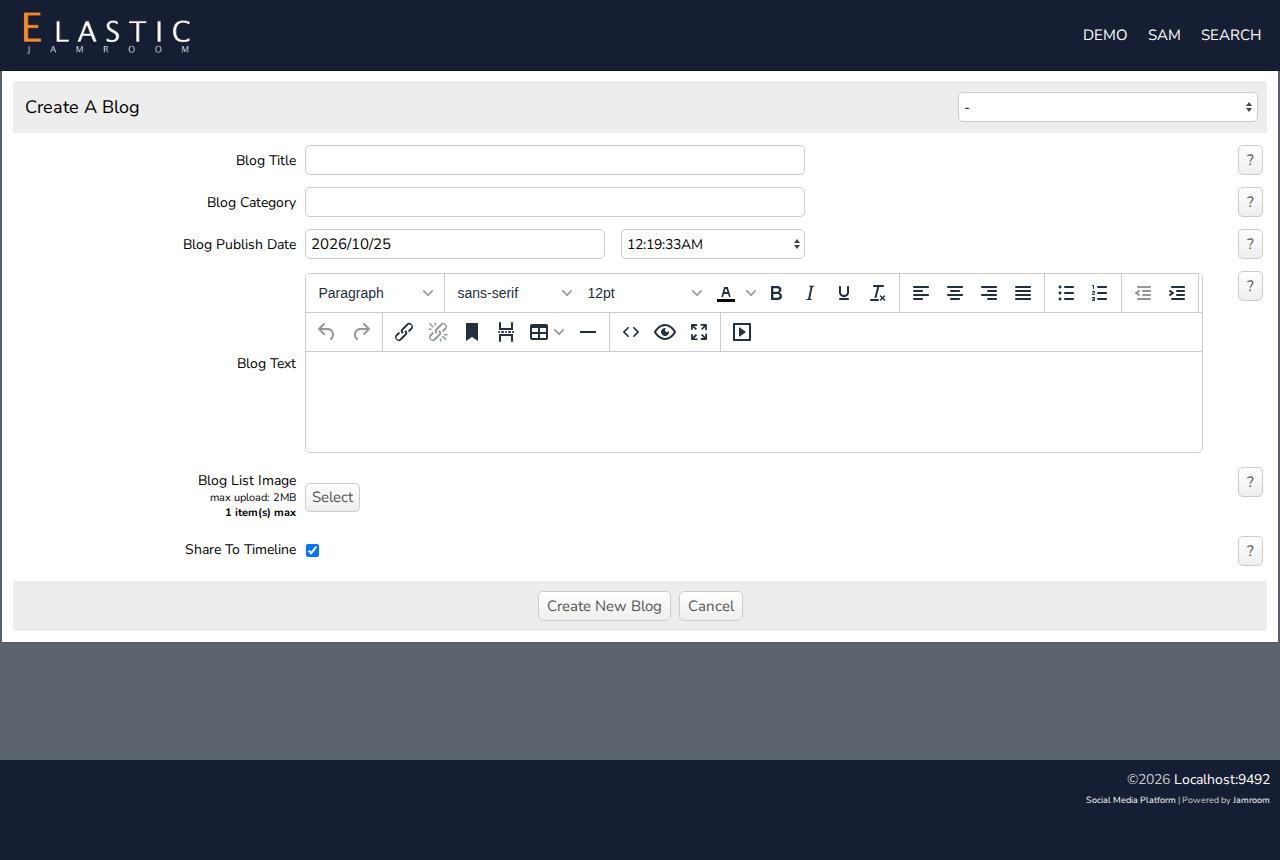
- Fill in the form, for example Blog Title and Blog Text, and add a file or image if you want.
- Click the button at the bottom, such as Create New Blog.
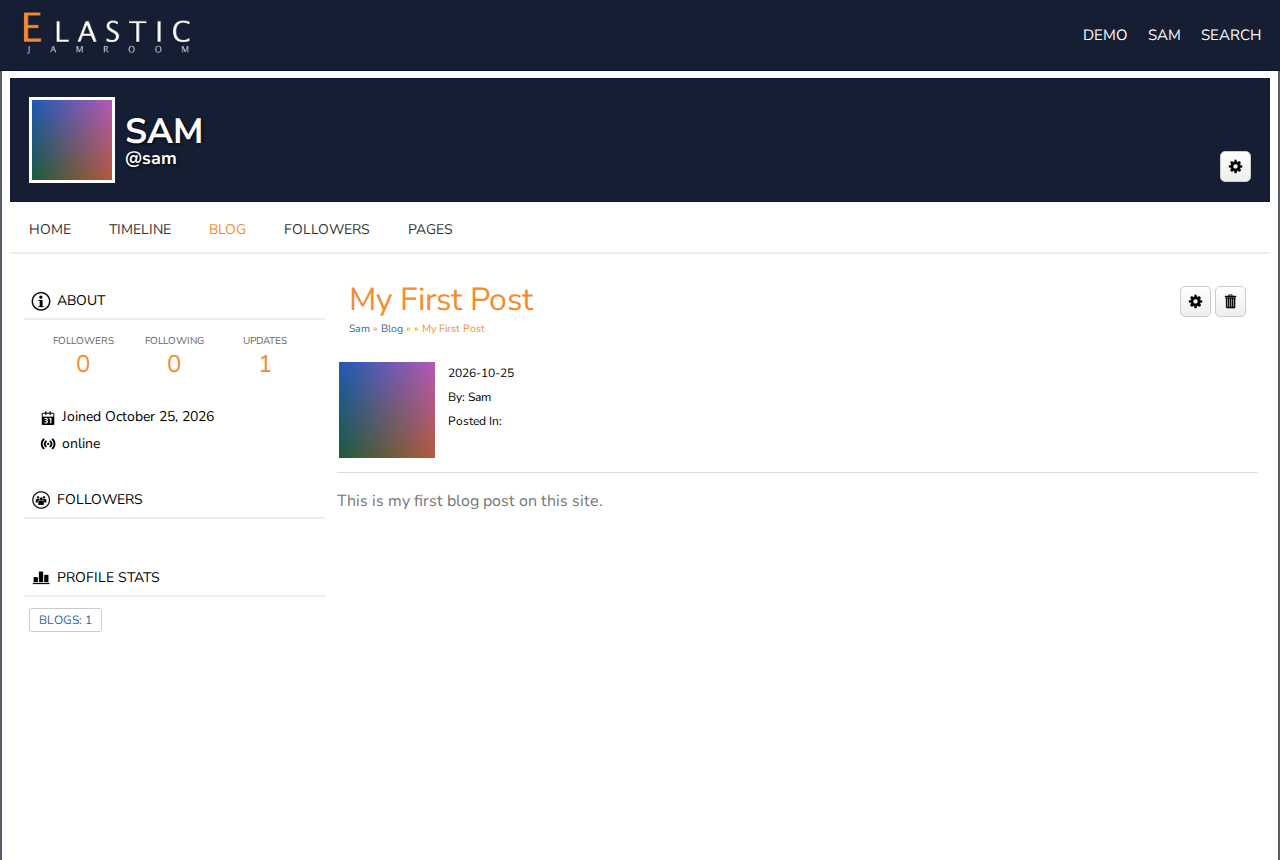
The new item opens. It's also listed in the section, and a note about it goes to your timeline, for your followers to see.
-
-
Uploading media works the same way: the form has a field to choose the file, such as an audio file or images. Large files can take a while to upload, and media may need a moment to be processed before it plays.
Some sites check new items before they're shown. Yours then shows as pending until it's approved.
-
Changing or deleting an item
Open the item. At the top right are two buttons, shown only to you:
- the gear changes the item
- the trash can deletes it, after you confirm
-
-
What others can do
Visitors see your items in the sections of your profile, and in lists across the site. Depending on the site, they can comment on them, rate or like them, share them, and download or play your media.