
After setting my "Editor Embedded Media" and module and "Editor Image Upload" modules to active across all quotas, I reset caches and did an integrity check (no problems) then returned the Home page to start looking at how to use it.
See http://researchcooperative.org/
Home page, which was fine a few moments ago, now had broken image logos in each of two widgets (there were only two photos on the page). So I went into Site builder and deleted the broken image and uploaded a new image.
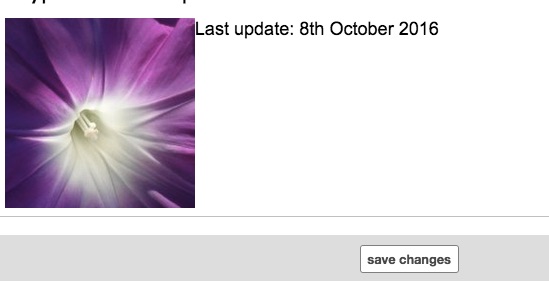
In the Widget editor, all looked good (see copy 2 attachment with Save button showing).
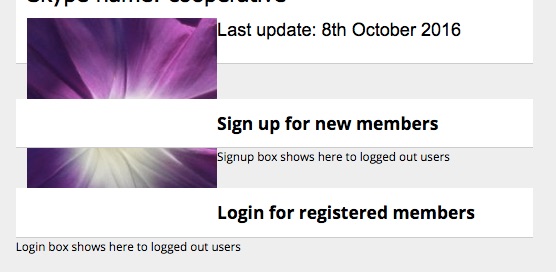
After saving, weird stuff happened. See -after copy attachment with photo now pushing down into the widget headers below.
This happened repeatedly, on reruns, which is why I was able make the screenshot sequence.
How many different wrong things did I do to generate this mess?!
In the first instance, when seeing a broken image file, should I assume a bad internet connection, and refresh the browser page, or entirely restart my browser?
Or put real flowers in front of a shrine and pray?!
 (Possibly a good idea in any situation, good or bad).


updated by @researchcooperative: 03/28/17 10:57:28PM