JAMROOM

Changing the Site Skin
Applies to: Jamroom 7.0+
Last verified: 2026-10-24
-
Changing the active skin
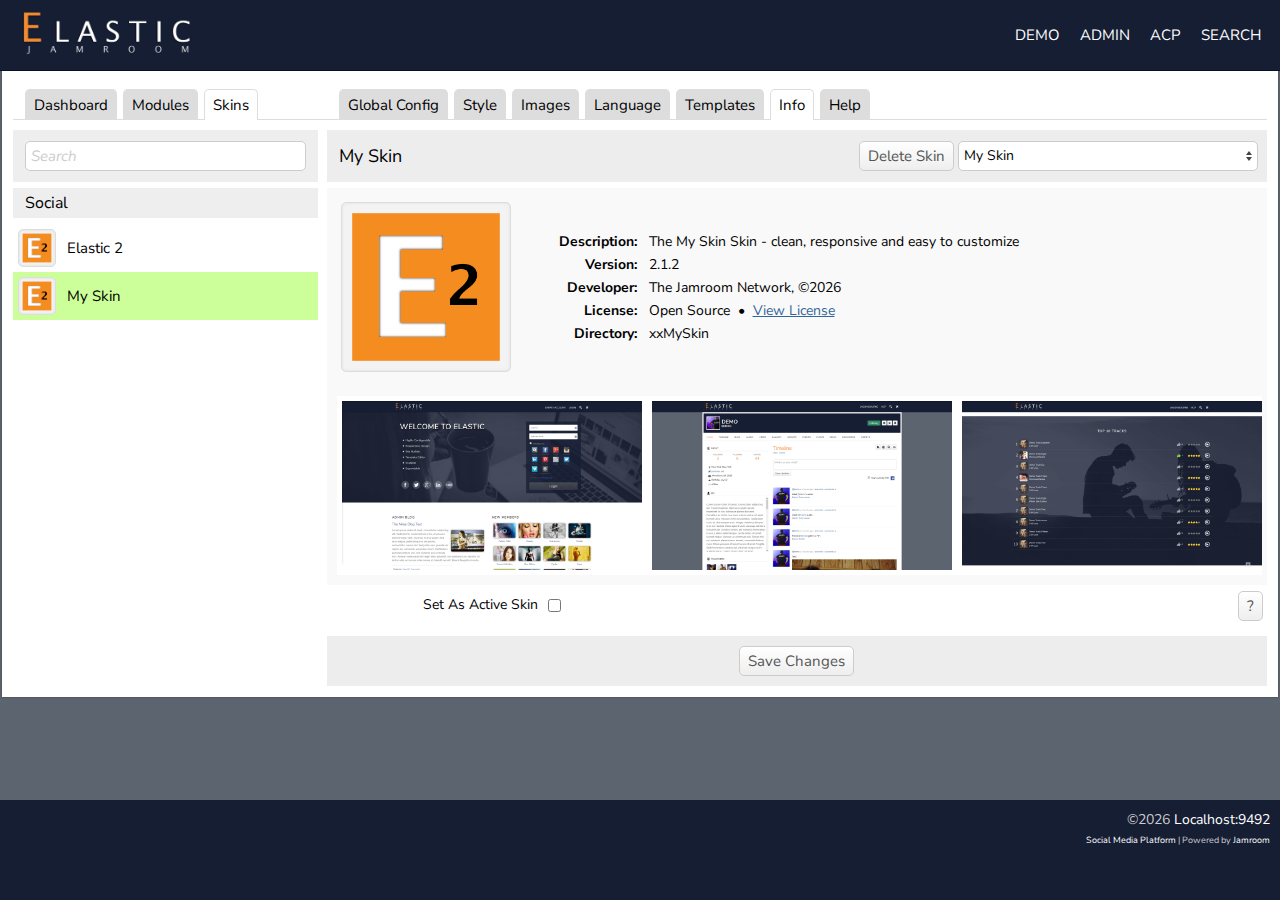
- Go to ACP > Skins. The list on the left shows the skins installed on your site.
- Click the skin you want, then its Info tab.
- Check Set As Active Skin, and click Save Changes.
Your site now uses that skin. Each skin keeps its own settings, so go through its Global Config tab too.
-
-
Getting more skins
Install skins from the Marketplace (ACP > Marketplace), like modules. See the Skin Reference for what each skin is for.
-
Deleting a skin
The Delete Skin button on the Info tab removes a skin you don't use. You can't delete the active skin.