JAMROOM

Make the Site Visible to Members Only
Applies to: Jamroom 7.0+
Last verified: 2026-10-24
-
Site Privacy
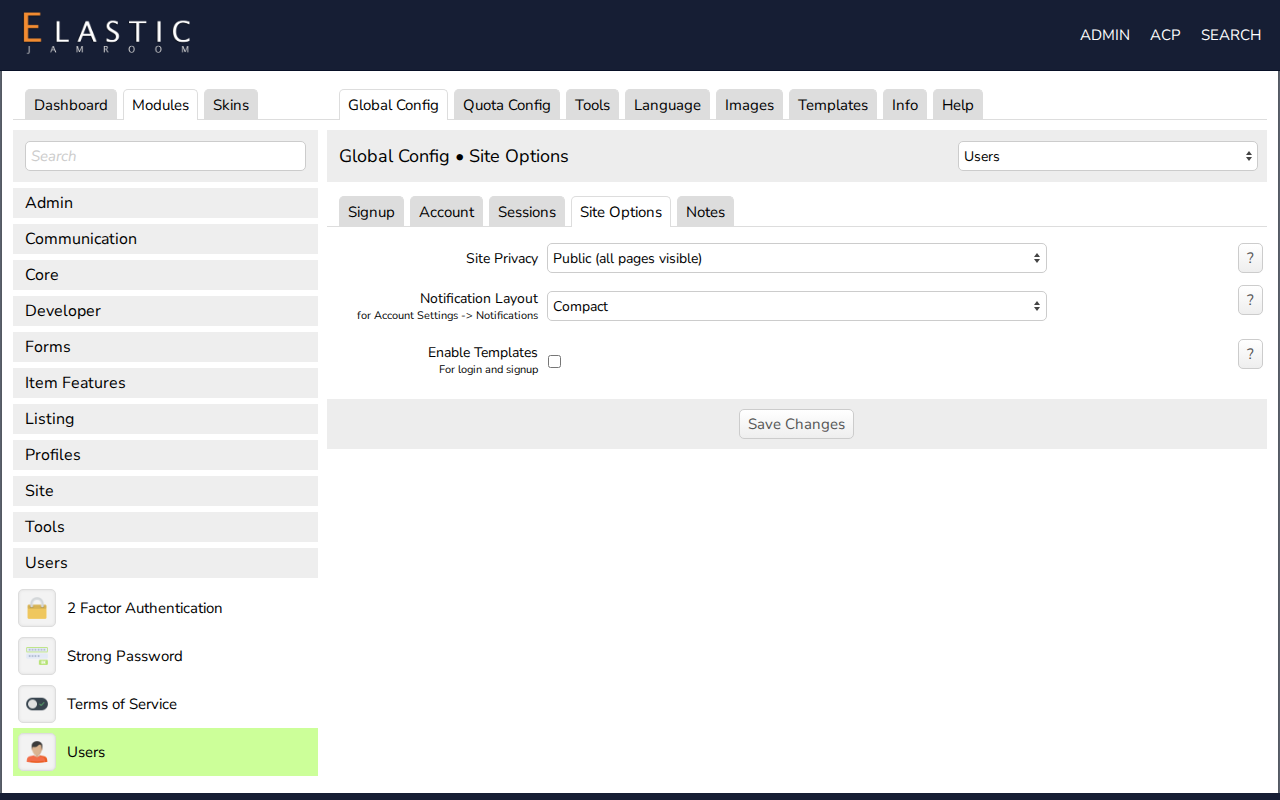
Jamroom has a setting for this. Open ACP > Modules > Users > Users > Global Config, go to the Site Options section and choose Site Privacy:
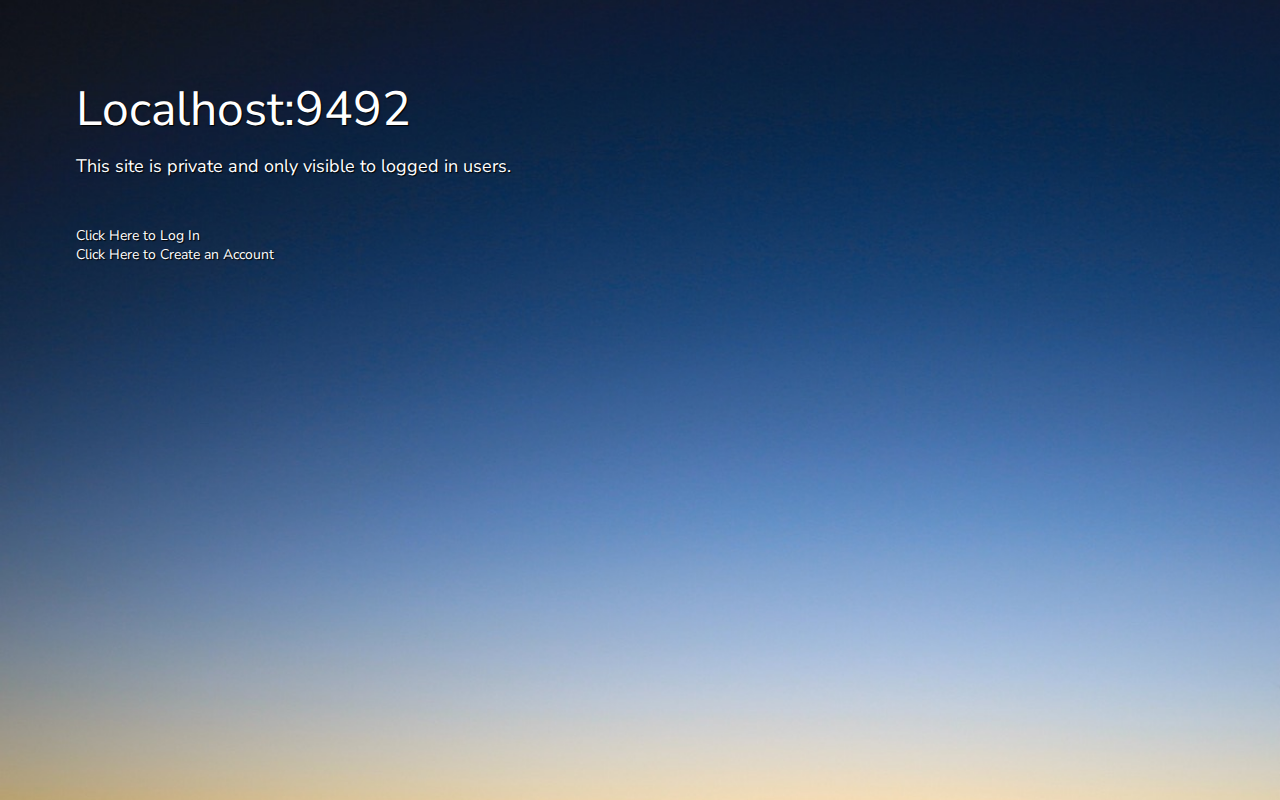
Site Privacy What visitors who aren't logged in see Public (all pages visible) Everything. This is the default. Limited (site index and log in / signup only) Your home page, and the login and signup pages. Any other page sends them to the login page. Private (no pages visible) A page saying This site is private and only visible to logged in users, with links to log in and to create an account. The login and signup pages still work. Logged-in members see the whole site either way.
-
-
What visitors see on a private site
-
Your own welcome page
To show visitors your own welcome page instead, use Limited and make your home page that welcome page:
- While logged in as master admin, open your home page and click the Site Builder button (bottom left).
- Change the layout, for example to two columns.
- Add an HTML Editor widget with a welcome text, and a User Login and Signup widget for the login or signup form.
- Close Site Builder and log out to check what visitors see.
Visitors see that page, and every other page asks them to log in. See the Site Builder chapter for pages and widgets.
-
Earlier versions of this page added a redirect to the skin's
header.tpl. You don't need that any more: use Site Privacy. If your skin still has that change, remove it when you switch.