JAMROOM

Media Pro Light
Applies to: Jamroom 7.0+
Last verified: 2026-10-24
-
What it's for
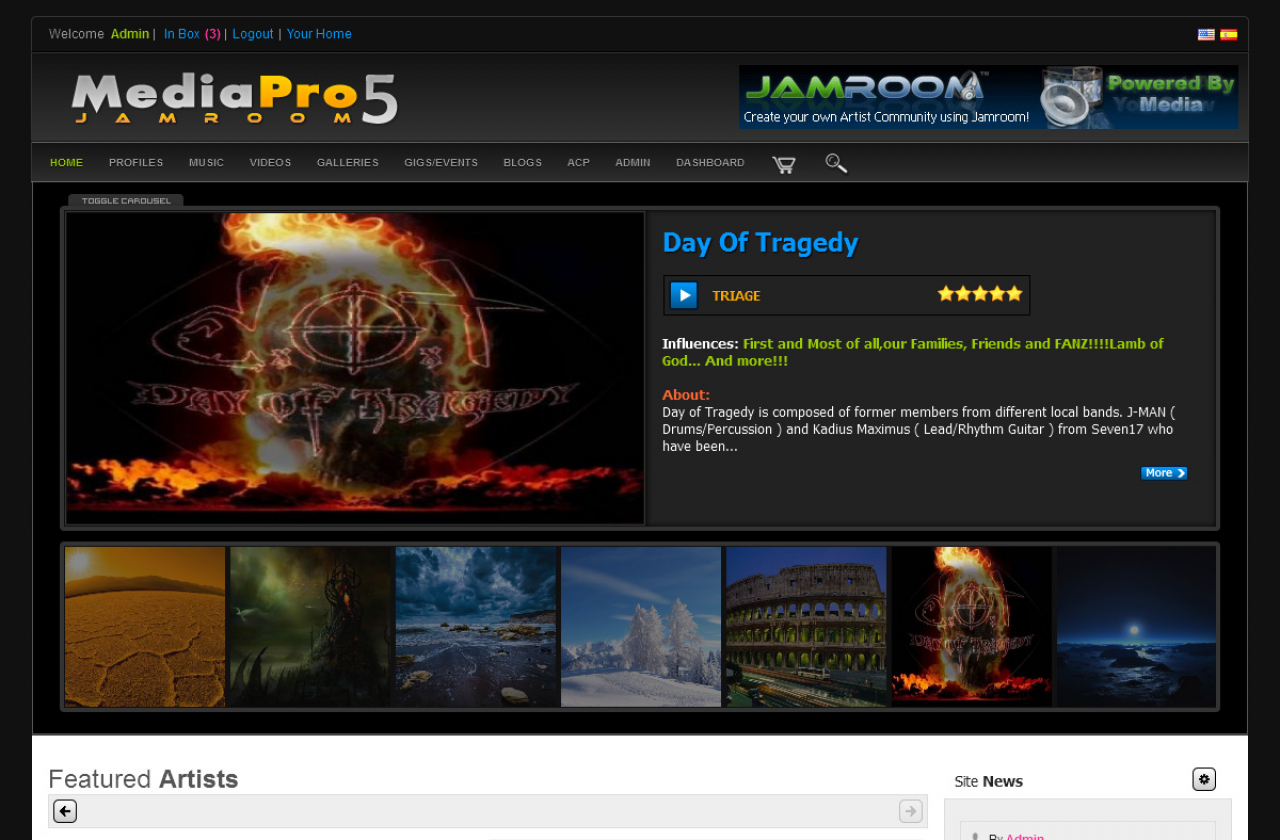
A full media site skin for music and video: artists, members, charts, songs, videos, concerts and galleries each have their own page. This is the light version; Media Pro Dark is the dark one.
Skin:
jrMediaProLight, version 1.6.5 in the Marketplace. -
-
Installing it
Install it from the Marketplace (ACP > Marketplace), then activate it: ACP > Skins > (skin) > Info > Set As Active Skin. See Changing the Site Skin. Its settings are on the skin's Global Config tab.
-
Skin settings
- Main: a Site Forum and Site Docs/FAQ profile for the menu, the Admin Quota, Artist Quota and Member Quota IDs (the skin lists artists and members by quota), and the Search Alphabet.
- Featured: profile IDs for the home page Featured Slider (up to 21) and Featured Artists (up to 10), and the featured artist, member, song and video in the sidebars.
- Blog: the Blog Profile whose posts are the site news (default 1, the admin) and the Blog Limit (default 4).
- Playlists: Show House Radio and Show House Channel (both on by default) play an admin playlist of audio or video in the sidebar. Enter the playlist's title in Radio Title or House Channel Title; the Playlists module is needed.
- Ads: turn ads off with Hide Ads, use Google Ads with your Google ID, or paste your own ad code for each ad spot.
- Extras: Require Images hides entries without an image, and the pagebreak (items per page) of each page.
- Profile: Video Category (needs a video category field) and Show Profile Comments.
- Social Networks: your site's pages on Twitter, Facebook, Instagram, YouTube and LinkedIn, and Pinterest. Their icons link there. Leave one blank to hide it.
- Players: the Player Type for the site, and Auto Play for the profile audio, playlist and video players.
-
Modules it works with
The skin shows sections for these modules when they're installed: Audio, Video, Blog, Event Calendar, Playlists, Image Galleries, Item Ratings, Comments, Page Creator, YouTube, Vimeo, SoundCloud, Groups. Without a module, its sections don't show.
-
Tips
Set the Artist Quota and Member Quota to your quotas first: the Artists and Members pages list profiles by quota.