JAMROOM

Photo Pro
Applies to: Jamroom 7.0+
Last verified: 2026-10-24
-
What it's for
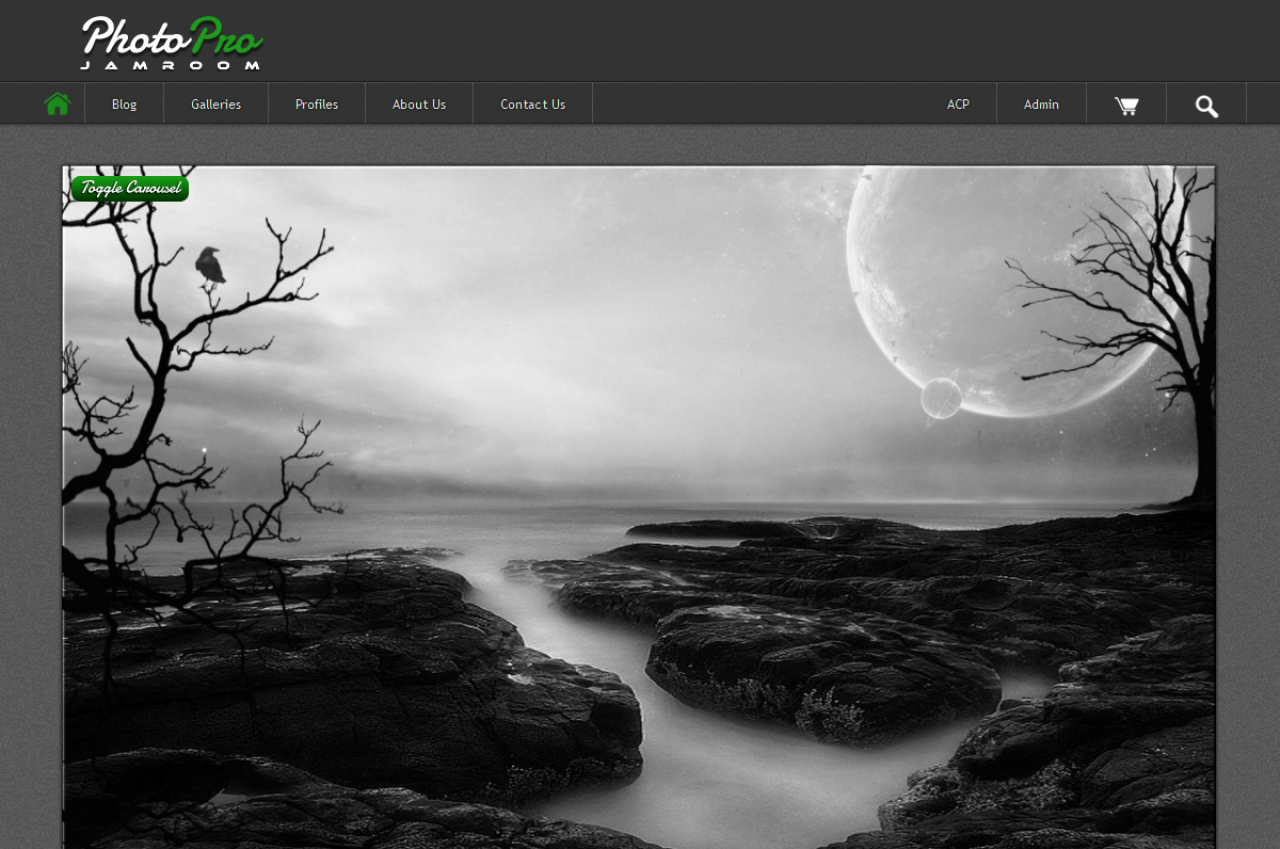
A skin for photography sites: large images in a slider and featured galleries.
Skin:
jrPhotoPro, version 1.5.1 in the Marketplace. -
-
Installing it
Install it from the Marketplace (ACP > Marketplace), then activate it: ACP > Skins > (skin) > Info > Set As Active Skin. See Changing the Site Skin. Its settings are on the skin's Global Config tab.
-
Skin settings
- Images: the Image Quota(s) and Image ID(s) for the home page slider, the featured Gallery Title, Require Images, and the minimum carousel image width (default 1024 pixels): smaller images aren't used in the slider.
- Ads: turn ads off with Hide Ads, use Google Ads with your Google ID, or paste your own ad code for each ad spot. Main Blog ID is the profile whose blog posts are the site's main pages, such as About Us.
- Extras: Hide Tag Cloud and Show Profile Comments.
- Social Networks: your site's pages on Twitter, Facebook, Instagram, YouTube and LinkedIn, and Pinterest. Their icons link there. Leave one blank to hide it.
- Players: the Player Type for the site, and Auto Play for the profile audio, playlist and video players.
-
Modules it works with
The skin shows sections for these modules when they're installed: Image Galleries, Flickr, Blog, Page Creator, Comments, Item Tags, Simple Custom Forms, Payment Support, Search, RSS Feed and Reader. Without a module, its sections don't show.
-
Tips
Upload large images: the slider only uses images at least as wide as the minimum carousel image width.