JAMROOM

Your Profile
Applies to: Jamroom 7.0+
Last verified: 2026-10-24
-
Your profile page
Your profile is at
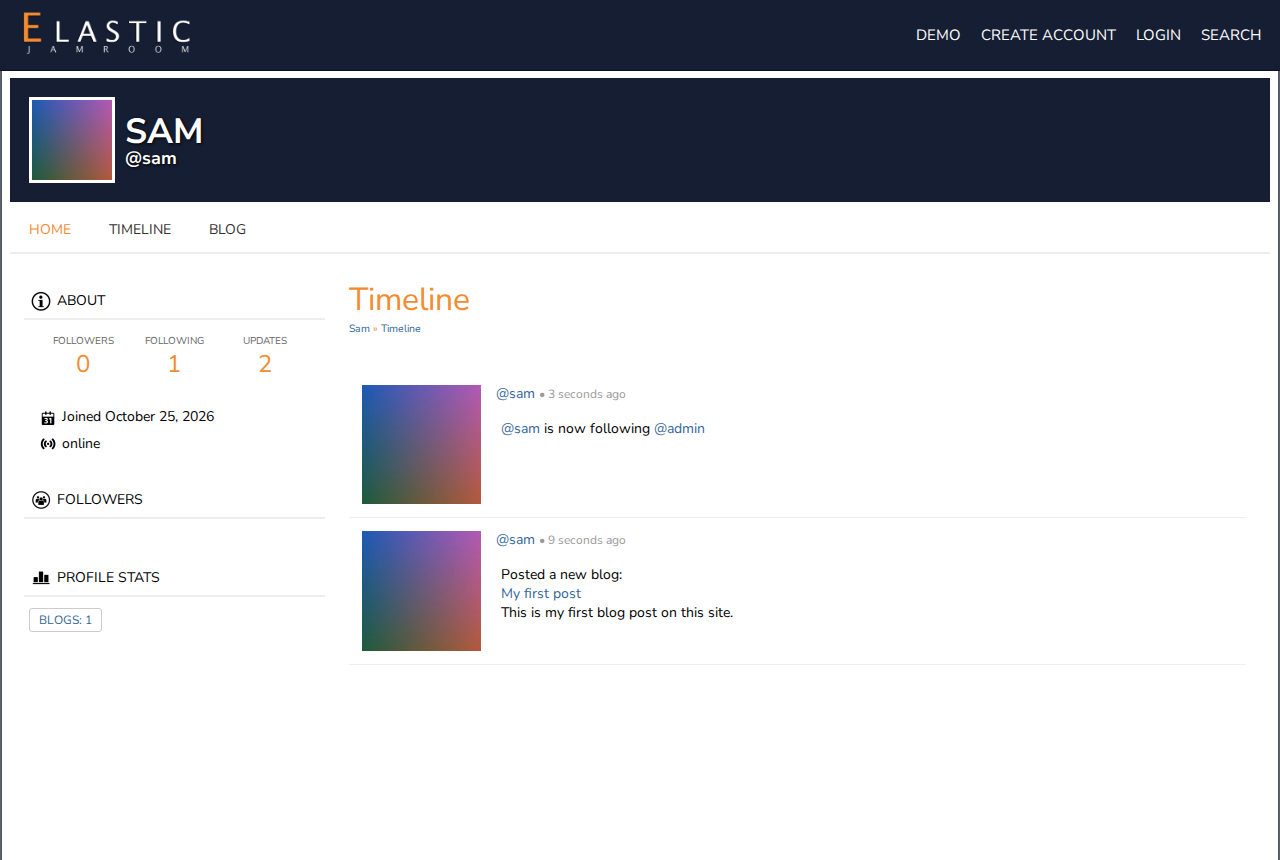
yoursite.com/yourname. At the top are its image and name. Below that is the profile menu: one entry for each section of your profile, such as Timeline, Blog, Followers and Pages.The sections you have depend on the site: the site's owner chooses the features for each kind of member. A music site may give you Audio and Video, a community site Galleries and Forum.
-
What visitors see
You see every section of your profile, even empty ones, so you can add to them. Visitors only see the sections you've put something in. So a new profile looks almost empty to others until you add something.
Here, the owner sees Home, Timeline, Blog, Followers and Pages. Visitors see only Home, Timeline and Blog, because the profile has no pages and no followers yet.
-
-
Profile settings
The gear button at the top right of your profile opens its settings. They're also the Profile tab of Account Settings:
Setting What it does Profile Image The image at the top of your profile Profile Name Your profile's name Profile Biography A few words about you, shown on your profile Profile Privacy Who can see your profile (below) Followers Require Approval You approve each new follower first Click Save Changes.
-
Profile privacy
Profile Privacy has these choices:
- Global - visible to everyone: anyone can see your profile
- Shared - profile owners and followers only: only you and your followers. A second Shared option also lets your profile show in the site's search.
- Private - profile owners only: only you
The site's owner may limit these choices. To control who can follow you, check Followers Require Approval.