JAMROOM

Your Account and Your Profile
Applies to: Jamroom 7.0+
Last verified: 2026-10-24
-
Two things
When you sign up, you get two things:
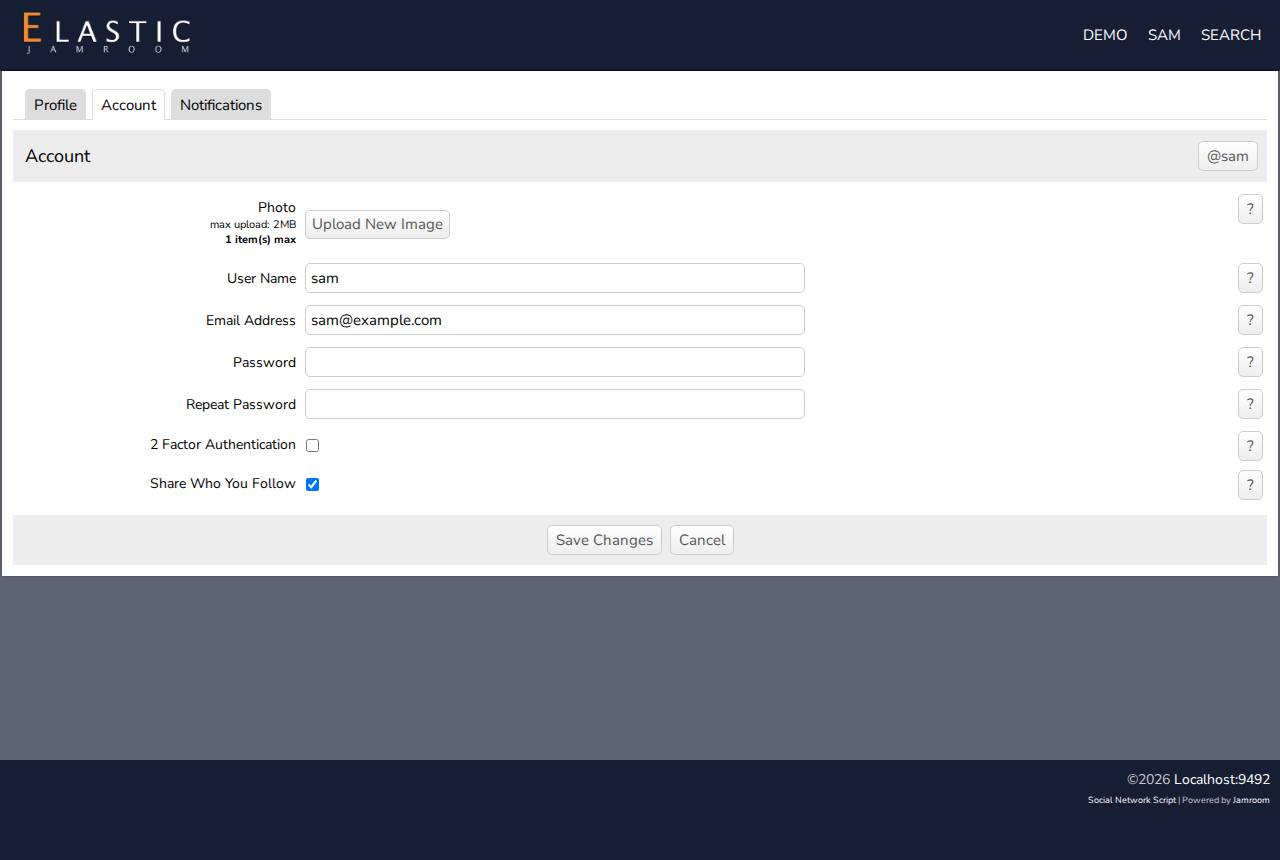
- Your account (your user account) is you: your user name, email address, password and photo. You log in with it, and it's what writes comments and follows others.
- Your profile is your page on the site, at
yoursite.com/yourname. Your blog posts, pages, media and timeline go there. Others visit it.
Usually one person has one account and one profile. But a profile can have more than one member, such as a band, and on some sites one account can manage several profiles.
-
Your settings
Click your name in the site's menu, then Account Settings. There are three tabs:
Tab What's there Profile Your profile: its image, name, biography and privacy. See Your Profile. Account Your account: Photo, User Name, Email Address, Password, and options such as 2 Factor Authentication and Share Who You Follow Notifications Which emails you get. See Following, Timeline and Notifications. Change what you need, and click Save Changes. To change your email address or password, the site may ask for your current password.
-
-
Your photo
The Photo on the Account tab is your own picture. It's shown next to what you write: timeline updates, comments and forum posts. Upload New Image adds one.
Your profile has its own image, on the Profile tab. Some sites show the profile image where you have no photo.
-
The user menu
Your name in the site's menu opens the user menu. It has Account Settings, Log Out, Profiles You Follow, and more links, depending on the site.