
I just purchased the Seamless module so I can combine lists of both jrVideo and jrYoutube videos. I am making the edits in the template code
I start with changing this:
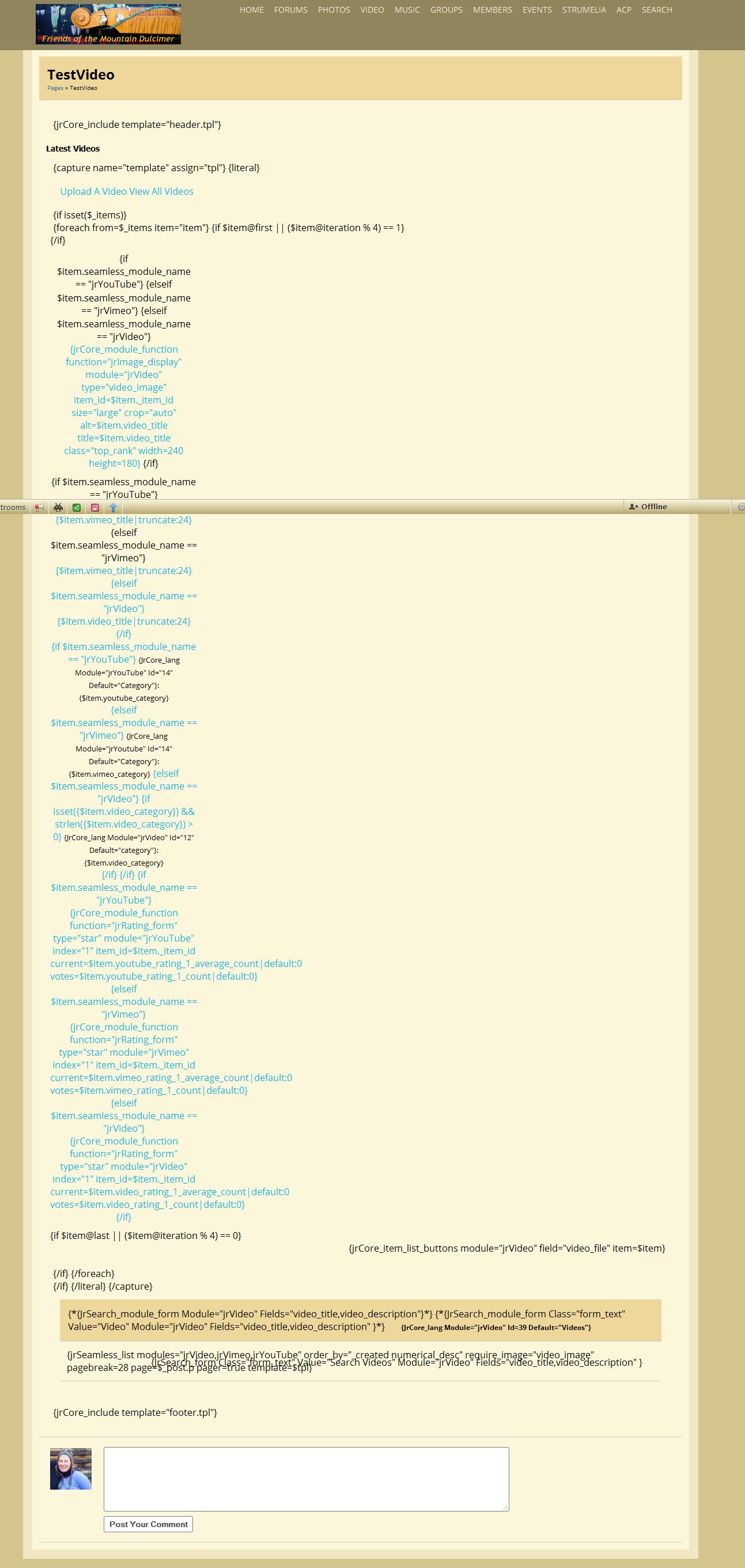
{jrCore_list module="jrVideo" order_by="_created numerical_desc" require_image="video_image" pagebreak=28 page=$_post.p pager=true template=$tpl}{jrSeamless_list modules="jrYouTube,jrVideo" order_by="_created numerical_desc" require_image="video_image" pagebreak=28 page=$_post.p pager=true template=$tpl}and it seems to work fine except the Youtube video images displayed in the table are blank "?"
The remainder of the code on the page that I have tried adding seamless to are below
{jrCore_module_url module="jrVideo" assign="murl"}

{jrCore_module_function function="jrImage_display" module="jrVideo" type="video_image" item_id=$item._item_id size="medium" crop="auto" class="iloutline img_scale" alt=$item.video_title width=false height=false}</a>
                </div>
{jrCore_module_function function="jrRating_form" type="star" module="jrVideo" index="1" item_id=$item._item_id current=$item.video_rating_1_average_count|default:0 votes=$item.video_rating_1_count|default:0}
{jrCore_item_list_buttons module="jrVideo" field="video_file" item=$item}

{jrSearch_form class="form_text" value="Search Videos" module="jrVideo" fields="video_title,video_description" }
The way I have tried is replacing
{jrCore_module{jrSeamless_list modulesBut when I do this it really destroys my page layout
Any advice- it seems pretty simple but I am not getting it
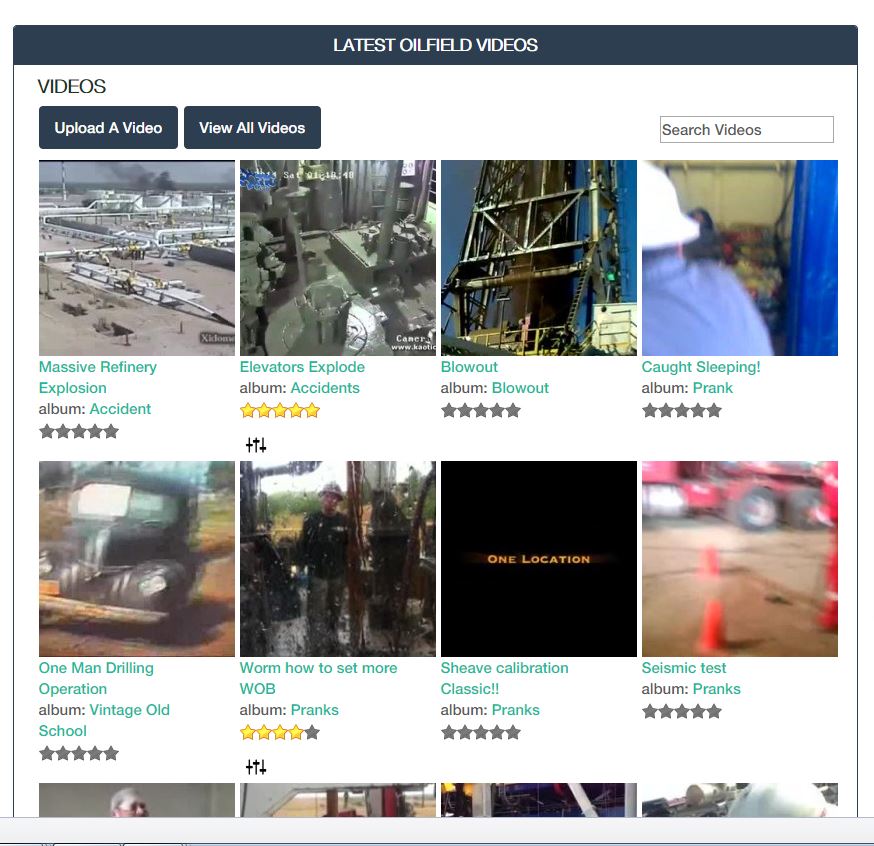
I Have attached a screenshot of the layout it breaks up

updated by @derrickhand300: 12/22/16 11:55:59AM








 I see it as 'milk is milk' so should be stored in the 'milk' box (and same for the other two). Storing them all in the 'edible stuff' box is of course an option.